Record without a laptop
Recording an XR18 usually means a laptop on the stage box and a DAW running all night. With ShowRecorder the phone or tablet you already carry does the job, and the mixer's own Wi-Fi gives the files their names. When the show ends, one file per channel is ready for your DAW.
What you get
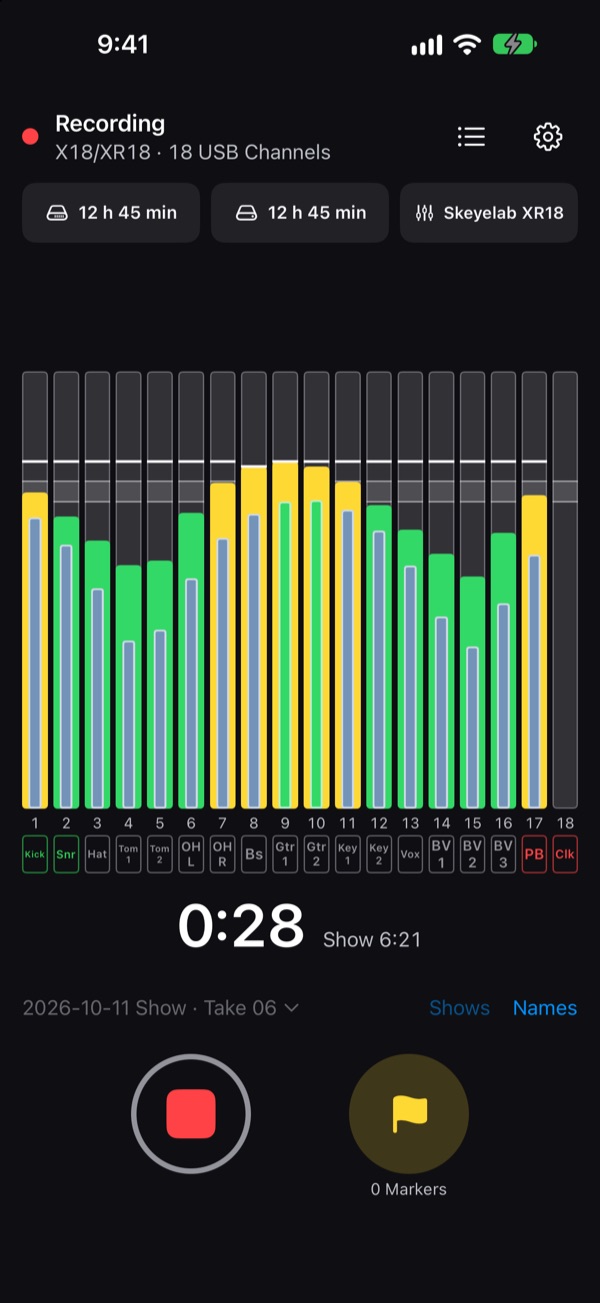
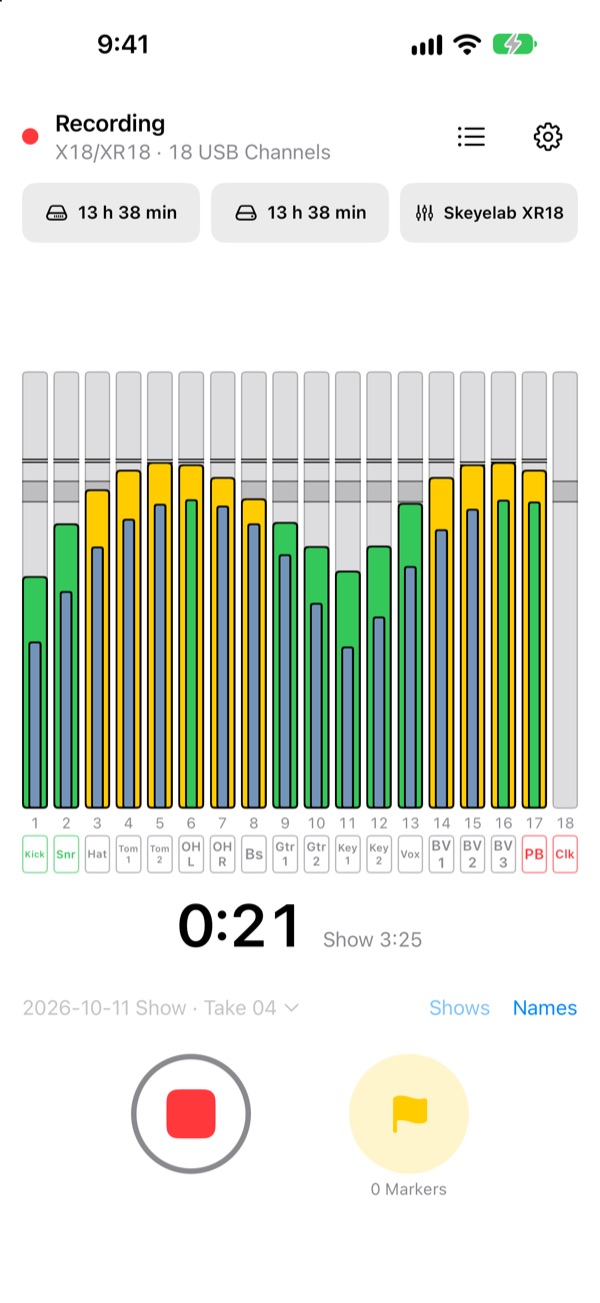
- All 18 USB Channels: the 16 inputs and the aux line in, recorded in step with each other at the mixer's sample rate.
- Files named from the mixer. Over the Mixer Link, ShowRecorder reads each channel's name and color from the XR18 or MR18 and picks up a rename on the mixer within a second or two: on screen straight away, and in the files from the next recording.
- A second copy as you record, on a USB drive through a hub, so one failure doesn't lose the show.
- Markers you drop during the set, and the seconds before you press record, and with Pro a report of the show and a Reaper project.
What you need
- A Behringer X Air XR18 or Midas MR18. The XR12 and XR16 send no multichannel USB audio, so they can't be multitracked this way.
- A USB-C iPhone (iPhone 15 or later) or an iPad, and a USB cable to the mixer. A powered USB-C hub lets it charge through a long show.
- For names and colors: your iPhone or iPad on the mixer's Wi-Fi, or on the network the mixer is connected to. Recording itself needs only the USB cable.
Set it up
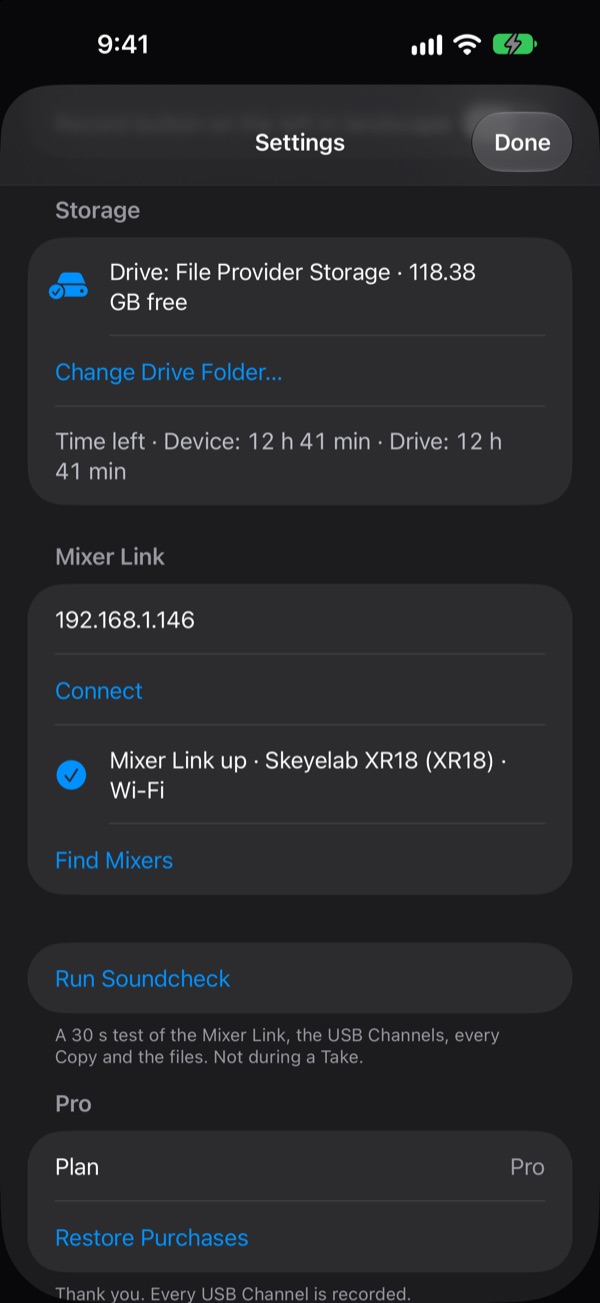
- Connect the mixer's USB port to your iPhone or iPad. Settings shows 18 USB Channels.
- Join the mixer's Wi-Fi.
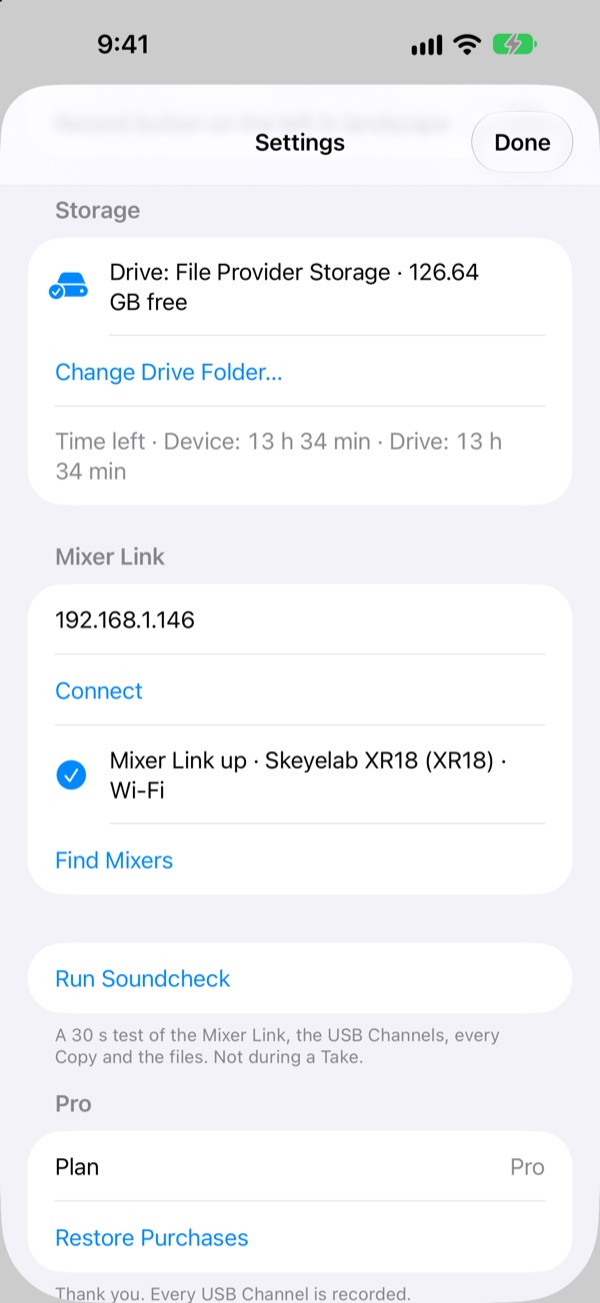
- Open Settings, then Mixer Link, and tap Find Mixers. Tap your mixer. The meters take the mixer's channel names and colors.
- Press record.
Step by step, with what to check: Recording an XR18 or MR18 on iPhone or iPad and Mixer Link.
18 channels at 48 kHz take about 9.3 GB per hour, on the iPhone or iPad and again on the drive if you use one. The record screen shows the time left.
Free, Trial and Pro
ShowRecorder is free to download. Free records 2 USB Channels of your choice, with names and colors from the mixer. The 14-day Trial and Pro, a one-time purchase, record all 18. No subscription.
Where to get it
ShowRecorder 1.0 for iPhone and iPad, with the XR18 and MR18, is in App Review and comes to the App Store soon. The public beta is open now, and has one thing 1.0 doesn't yet: files named after what the mixer routes to each USB Channel, when you've re-patched it. See the home page to join.
Tell us how it goes
Questions, or a mixer that does something unexpected? Write to us at the address on the Support page. Other mixers: see Supported mixers, and the Behringer X32 and Midas M32 page.